
 Edictum
Human-in-the-Loop Approvals
When a contract says effect approve, the tool call pauses until a human approves or denies it. The console manages the full approval lifecycle.
Right page if: you need to understand the HITL approval lifecycle -- state machine, timeout handling, interactive buttons in Telegram/Slack/Discord, and rate limiting. Wrong page if: you want to write a contract with `effect: approve` (see https://docs.edictum.ai/docs/contracts/yaml-reference) or set up a notification channel (see https://docs.edictum.ai/docs/console/notifications). Gotcha: approval requests are rate-limited to 10 per agent per minute via Redis sliding window -- a misconfigured agent cannot flood the queue.
When a contract says effect: approve, the tool call pauses. A human must approve or deny it before the agent can proceed. The console manages the full approval lifecycle: request creation, notification delivery, decision collection, and result relay back to the agent.
Full Lifecycle
Agent calls tool
    |
    v
Pipeline evaluates precondition
Contract matches: effect: approve
    |
    v
SDK: POST /api/v1/approvals ------------>  Console creates approval
  {                                               |
    agent_id, tool_name, tool_args,               | State: PENDING
    message, env, timeout_seconds,                |
    timeout_effect, contract_name                 v
  }                                          Notification fires
    |                                        (Telegram / Slack / Discord
    |                                         Email / Webhook)
    |                                              |
SDK polls:                                    Human sees request
GET /api/v1/approvals/{id}                    with tool name, args,
(every 2 seconds)                             agent ID, contract name
    |                                              |
    |                                         Human clicks
    |                                         "Approve" or "Deny"
    |                                              |
    |                                         PUT /api/v1/approvals/{id}
    |                                         (from dashboard, Telegram,
    |<---- decision: approved/denied ----------  Slack, or Discord)
    |
    v
approved -> tool executes -> postconditions -> audit event
denied   -> EdictumDenied raised -> audit event
State Machine
Approvals have three terminal states. Transitions are one-way -- a decided approval cannot be re-opened.
                          +---------------------+
                          |                     |
         +----------------v------------------+  |
         |            PENDING                |  |
         |                                   |  |
         |  Waiting for human decision       |  |
         |  Timeout clock is ticking         |  |
         +---+----------+----------+---------+  |
             |          |          |             |
     Human   |   Human  |  Timeout |             |
    approves |  denies  |  expires |             |
             |          |          |             |
             v          v          v             |
         +--------+ +--------+ +------------+   |
         |APPROVED| | DENIED | |  TIMEOUT   |   |
         +--------+ +--------+ |            |   |
                               | Applies    |   |
                               |timeout_    |   |
                               |effect:     |   |
                               |deny/allow  |   |
                               +------------+   |
                                                |
         New request with same agent+tool ------+
(always creates a NEW approval)| State | Meaning | Agent Outcome |
|---|---|---|
pending | Awaiting human decision | SDK polls every 2 seconds |
approved | Human approved the action | Tool executes normally |
denied | Human denied the action | EdictumDenied raised |
timeout | No decision within timeout_seconds | Depends on timeout_effect |
Timeout Handling
Each approval request carries a timeout_seconds value (from the contract) and a timeout_effect:
timeout_effect | Behavior on timeout |
|---|---|
deny (default) | Tool call is denied. EdictumDenied raised. |
allow | Tool call proceeds. Use with caution. |
A background worker runs every 10 seconds. It queries for pending approvals past their deadline, applies the timeout effect, pushes an SSE event, and updates any interactive notification messages (removes buttons, shows "Timed out").
Decision Sources
Approvals can be decided from multiple channels. The decided_via field tracks where:
| Channel | decided_via | Interactive? |
|---|---|---|
| Dashboard | console | -- |
| Telegram | telegram | Yes (inline keyboard) |
| Slack App | slack | Yes (Block Kit buttons) |
| Discord | discord | Yes (component buttons) |
Interactive channels have approve/deny buttons directly in the message. Click a button and the decision is recorded -- no need to open the dashboard.
Interactive Channel Flow
Approval created (PENDING)
    |
    v
Notification manager routes to matching channels
    |
    v
Channel sends message with buttons
    |
    +-- Telegram: inline keyboard (Approve | Deny)
    +-- Slack: Block Kit action buttons
    +-- Discord: component row (Approve | Deny)
    |
    v
Human clicks "Approve"
    |
    v
Platform sends webhook to console
    |
    +-- Telegram: POST /api/v1/telegram/webhook/{channel_id}
    +-- Slack:    POST /api/v1/slack/interactions
    +-- Discord:  POST /api/v1/discord/interactions
    |
    v
Console verifies webhook signature
    |
    +-- Telegram: secret header validation
    +-- Slack: HMAC-SHA256 + 5-minute replay window
    +-- Discord: Ed25519 signature verification
    |
    v
State transition: PENDING -> APPROVED
    |
    v
Original message updated (buttons removed, result shown)
    |
    v
SSE: approval_decided event -> agent poll resolves
Decision Fields
Every decided approval records:
| Field | Description |
|---|---|
decided_by | Email of the user who decided (for console) or channel identifier |
decided_at | Timestamp of the decision |
decision_reason | Optional text (deny reason from dashboard dialog) |
decided_via | Channel: console, telegram, slack, discord |
contract_name | Which contract triggered the approval requirement |
API key auth returns 404 for cross-environment approvals. When an agent fetches GET /api/v1/approvals/{id} using an API key, the console returns 404 Not Found if the approval belongs to a different environment than the key's scope — not 403 Forbidden. This prevents agents from inferring the existence of approvals in other environments (existence leakage). Dashboard (session) auth can retrieve any approval regardless of environment.
Rate Limiting
Approval requests are rate-limited per agent to prevent runaway loops:
| Parameter | Value |
|---|---|
| Limit | 10 requests per 60 seconds per agent |
| Implementation | Redis sliding window |
| Response | 429 Too Many Requests with Retry-After header |
If an agent hits the rate limit, the SDK receives a 429. The pipeline treats this as a denial. This prevents a misconfigured agent from flooding the approval queue -- a single agent cannot generate more than 10 approval requests per minute.
Notification Routing
Not every approval goes to every channel. Each notification channel has optional routing filters:
| Filter | Type | Matching |
|---|---|---|
environments | List of strings | Exact match on approval's env |
agent_patterns | List of globs | Glob match on agent_id (e.g., prod-*) |
contract_names | List of globs | Glob match on contract_name |
Filters use AND logic across dimensions. If a channel has environments: ["production"] and agent_patterns: ["backend-*"], it only receives approvals from production backend agents. Empty filter = receive everything.
Approval created: agent=backend-worker, env=production, contract=delete-guard
    |
    v
Notification manager iterates tenant's channels
    |
    +-- #ops-alerts (Slack): envs=[production] agents=[] contracts=[]
    |   -> production matches, no agent/contract filter -> SEND
    |
    +-- #dev-approvals (Slack): envs=[staging, development] agents=[]
    |   -> production not in [staging, development] -> SKIP
    |
    +-- Admin Telegram: envs=[] agents=[] contracts=[]
        -> no filters -> SEND (receives everything)
Dashboard Experience
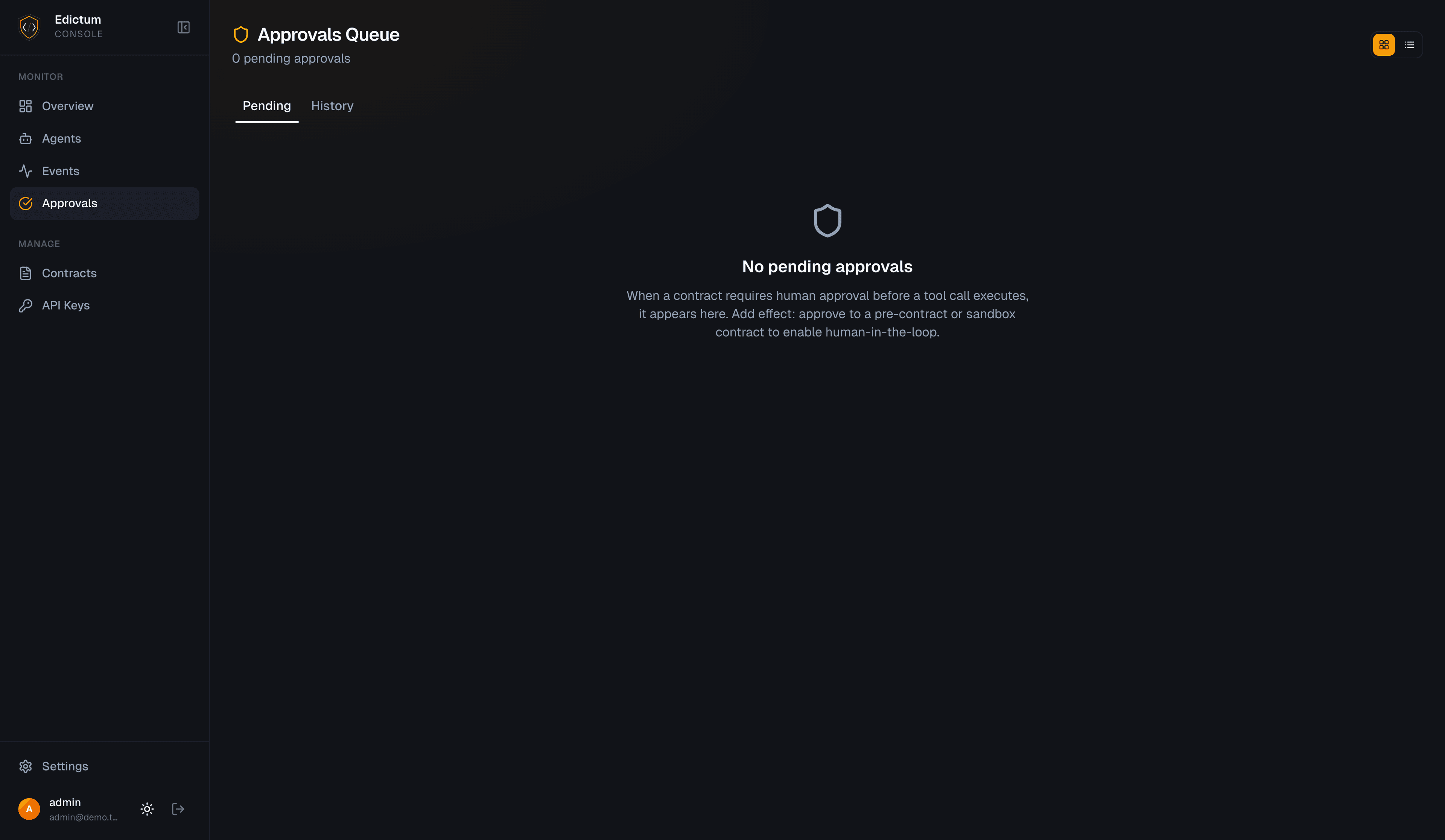
The Approvals page auto-switches layout based on volume:
| Volume | Layout | Rationale |
|---|---|---|
| < 5 pending | Card view | Rich cards with full context, inline approve/deny |
| >= 5 pending | Table view | Compact rows, checkbox selection, bulk actions |
Both views show:
- Timer badges: green (safe), amber (> 50% elapsed), red (> 80% elapsed)
- Urgency banner: appears when any approval is in the red zone
- Inline actions: approve button, deny button (with optional reason dialog)
- Bulk actions: checkbox selection -> approve all / deny all
The History tab shows all decided approvals with filters for status, agent, and time range.
Approval Request Fields
The full set of fields stored for each approval:
| Field | Source | Description |
|---|---|---|
agent_id | Agent (SDK) | Which agent requested approval |
tool_name | Agent (SDK) | The tool being called |
tool_args | Agent (SDK) | Arguments to the tool call (JSON) |
message | Contract | Human-readable description from the contract |
env | Agent (SDK) | Environment (production, staging, etc.) |
timeout_seconds | Contract | How long to wait for a decision |
timeout_effect | Contract | What happens on timeout (deny or allow) |
contract_name | Pipeline | Which contract triggered the approval |
status | State machine | pending, approved, denied, timeout |
decided_by | Human | Who made the decision |
decided_at | System | When the decision was made |
decision_reason | Human | Optional reason text |
decided_via | System | Channel used (console, telegram, slack, discord) |
Next Steps
- Contracts -- the three-level contract model, including how
effect: approveis defined - Hot-Reload -- SSE push mechanism (also carries
approval_decidedevents) - Security Model -- webhook signature verification and rate limiting
Last updated on